AFK
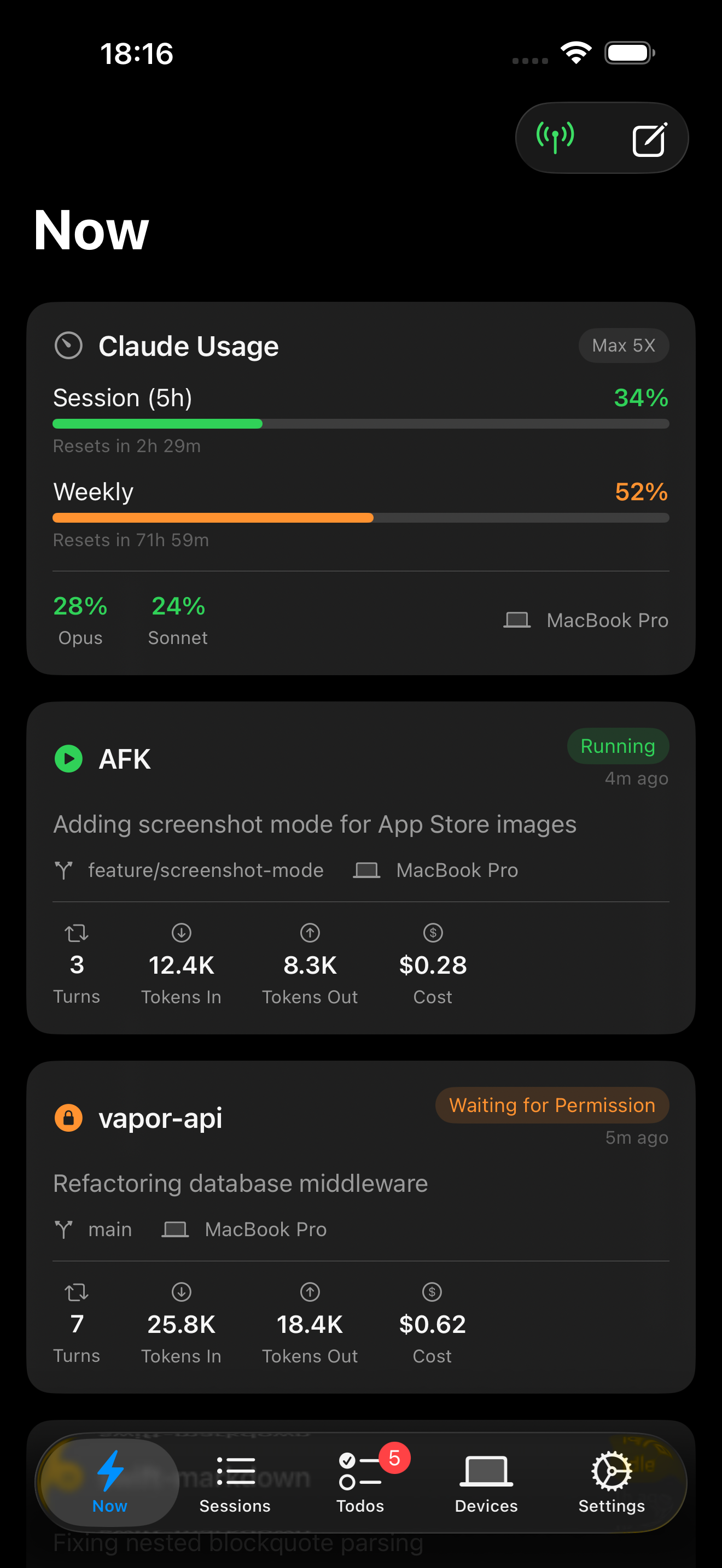
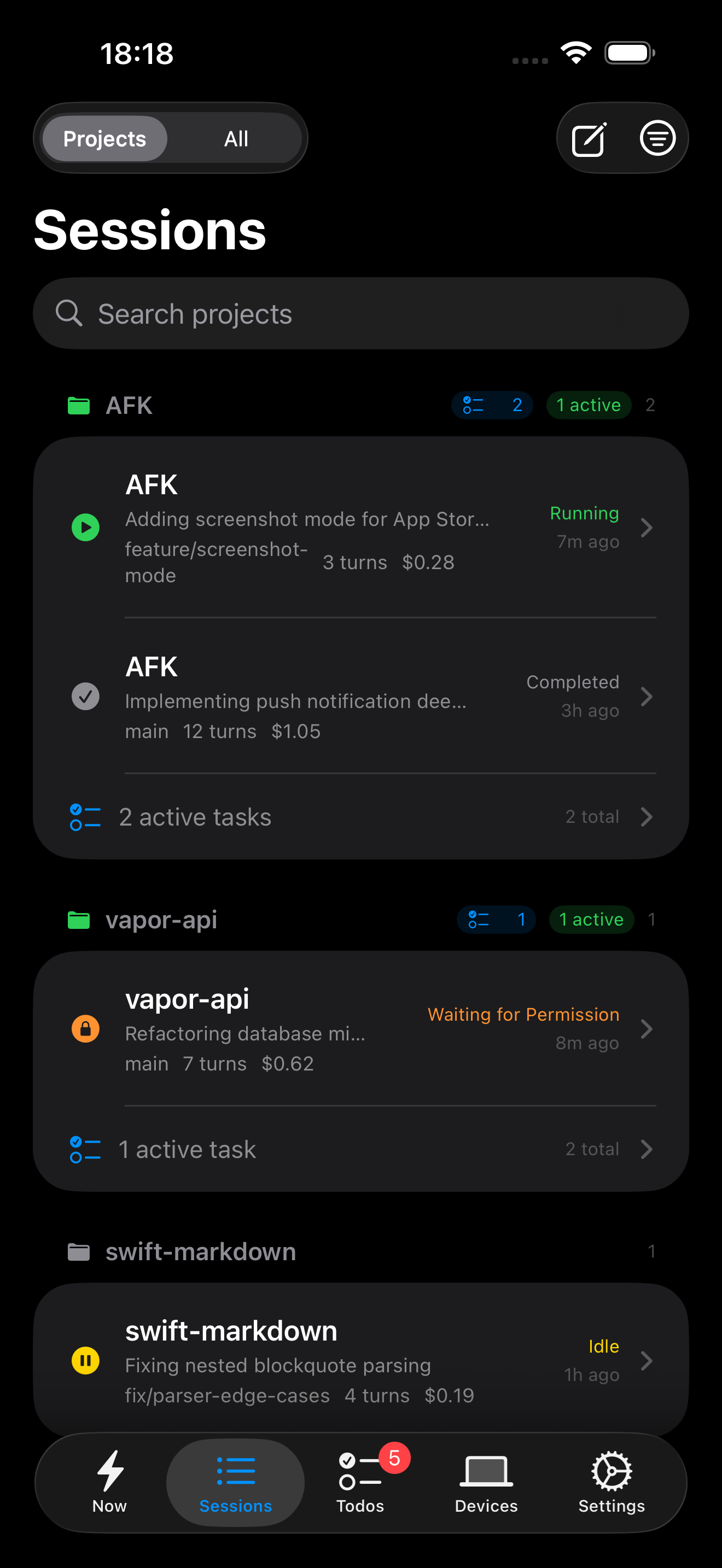
Monitor your Claude Code sessions in real-time, approve permissions, and send prompts — all from your iPhone.
Everything at a glance
Stay in the loop while Claude works. AFK bridges your Mac and iPhone so you never miss a beat.
Live Session Feed
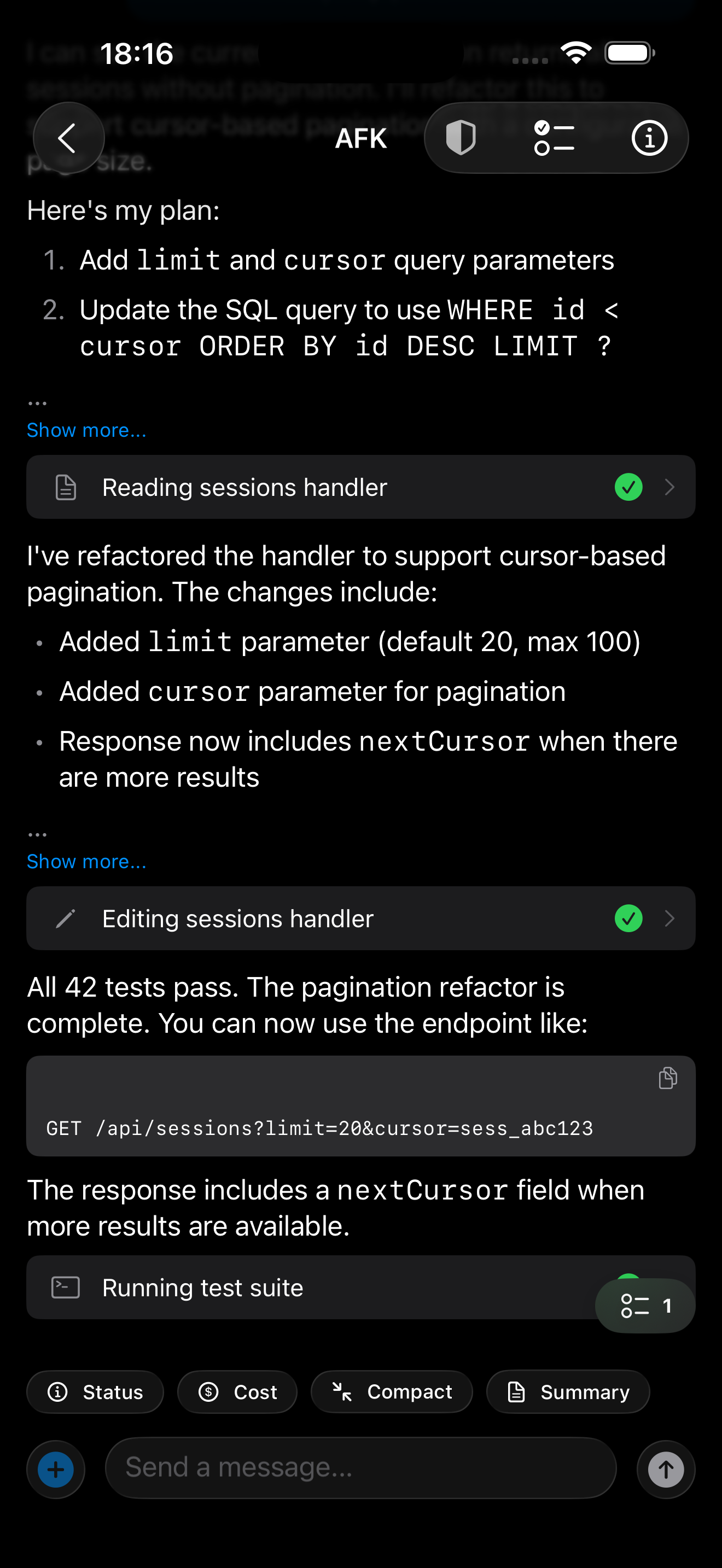
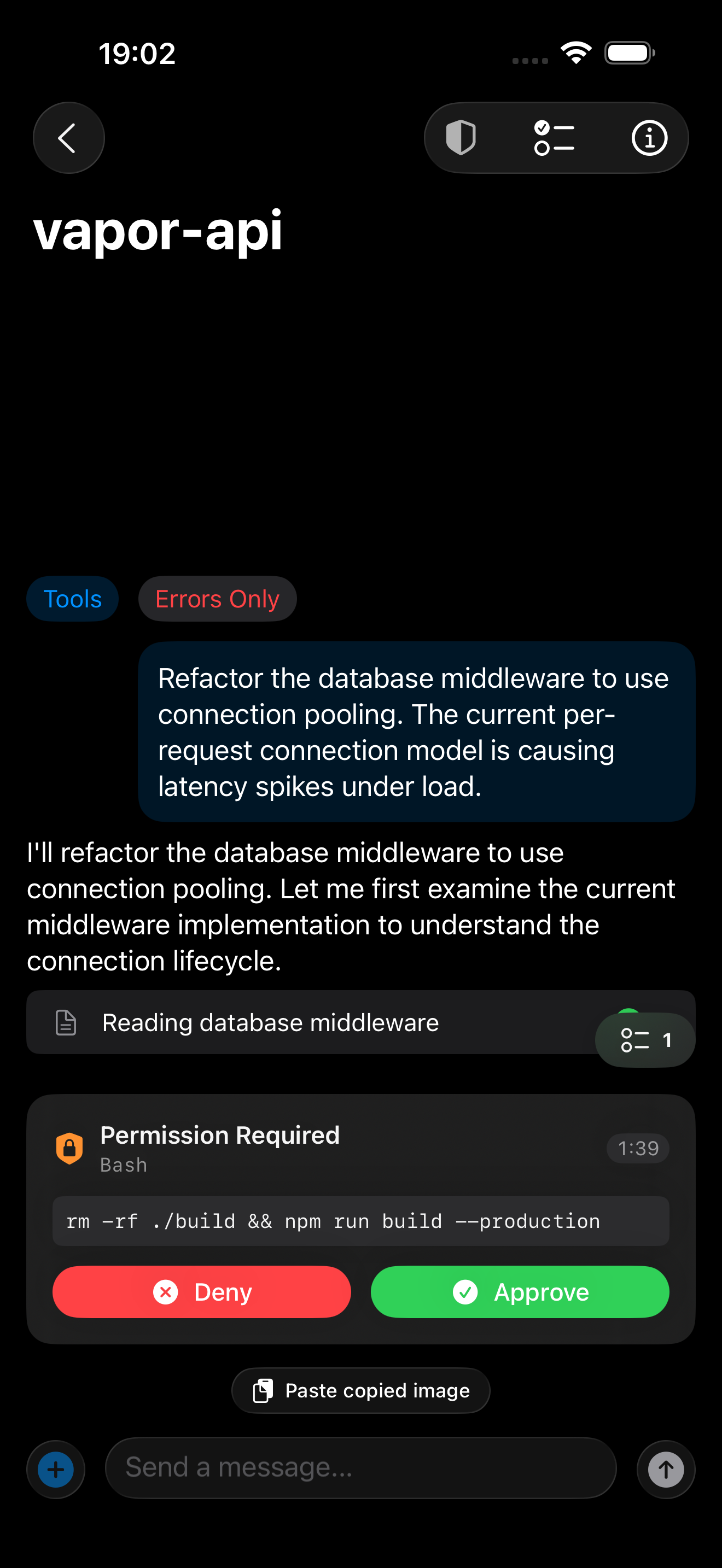
Watch Claude Code tool calls, file edits, and terminal commands stream to your phone in real-time.
Permission Approvals
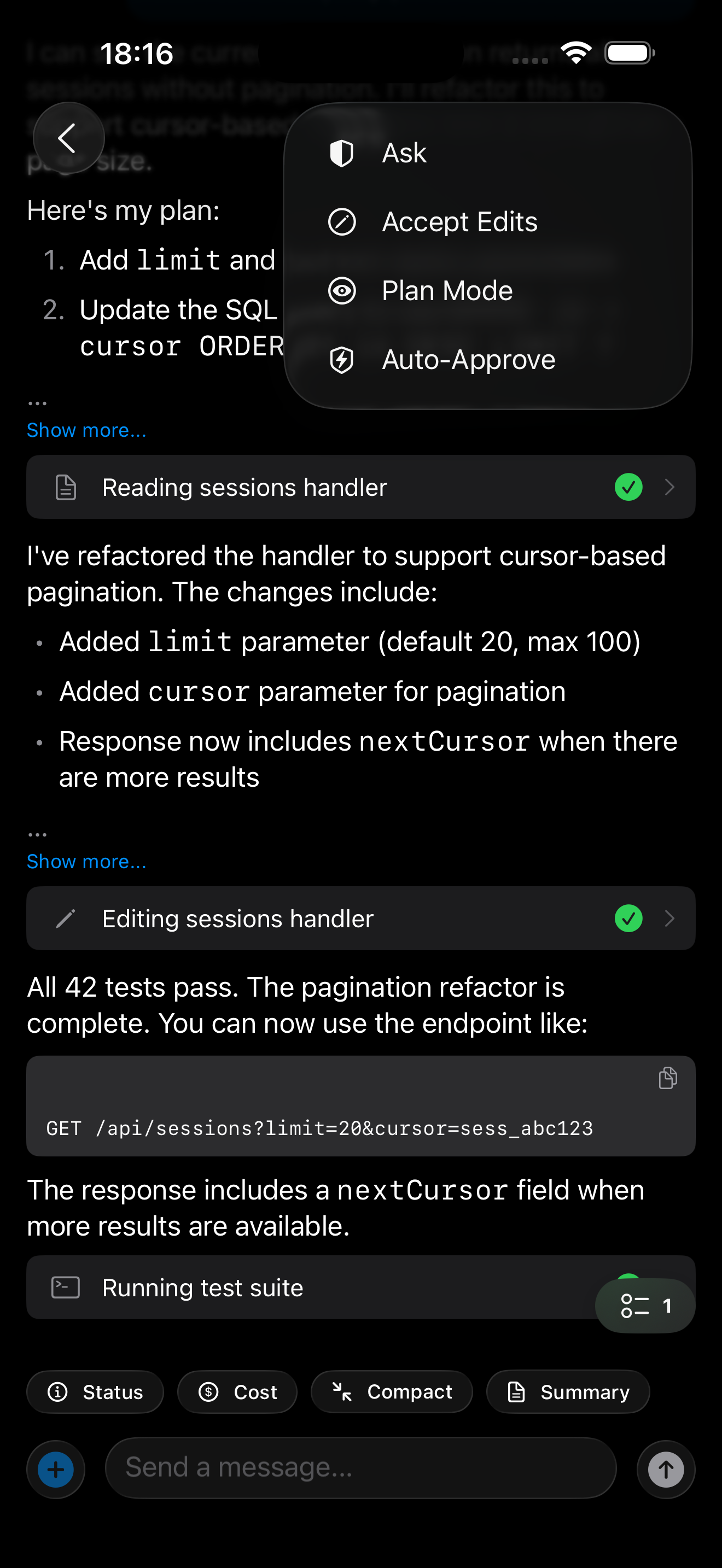
Approve or deny permission requests remotely. No need to walk back to your desk.
Remote Prompts
Send follow-up prompts, continue sessions, or start new chats from anywhere.
Push Notifications
Get notified when sessions finish, encounter errors, or need your attention.
End-to-End Encrypted
Your code never leaves your devices unencrypted. Zero-knowledge relay with AES-256-GCM.
Live Activity
Track active sessions right from your Lock Screen and Dynamic Island.
How it works
Three components, one seamless experience.
Install the Mac agent
A lightweight menu-bar app that watches your Claude Code sessions and relays events securely.
Sign in on your iPhone
Download AFK from the App Store, sign in, and pair with your Mac. Keys are exchanged automatically.
Walk away
Leave your desk. Your sessions stream live to your pocket. Approve, prompt, or just watch.
Security first
Your code is sensitive. AFK is built with that in mind.
E2E Encryption
X25519 ECDH key exchange, AES-256-GCM content encryption. The server never sees plaintext.
Ed25519 Signing
Every command is cryptographically signed. Replay attacks are impossible.
Zero Knowledge
The relay server routes encrypted blobs. No logs, no storage, no access to your data.
Apple Keychain
All keys stored in the Secure Enclave via Keychain. Never written to disk.
See it in action
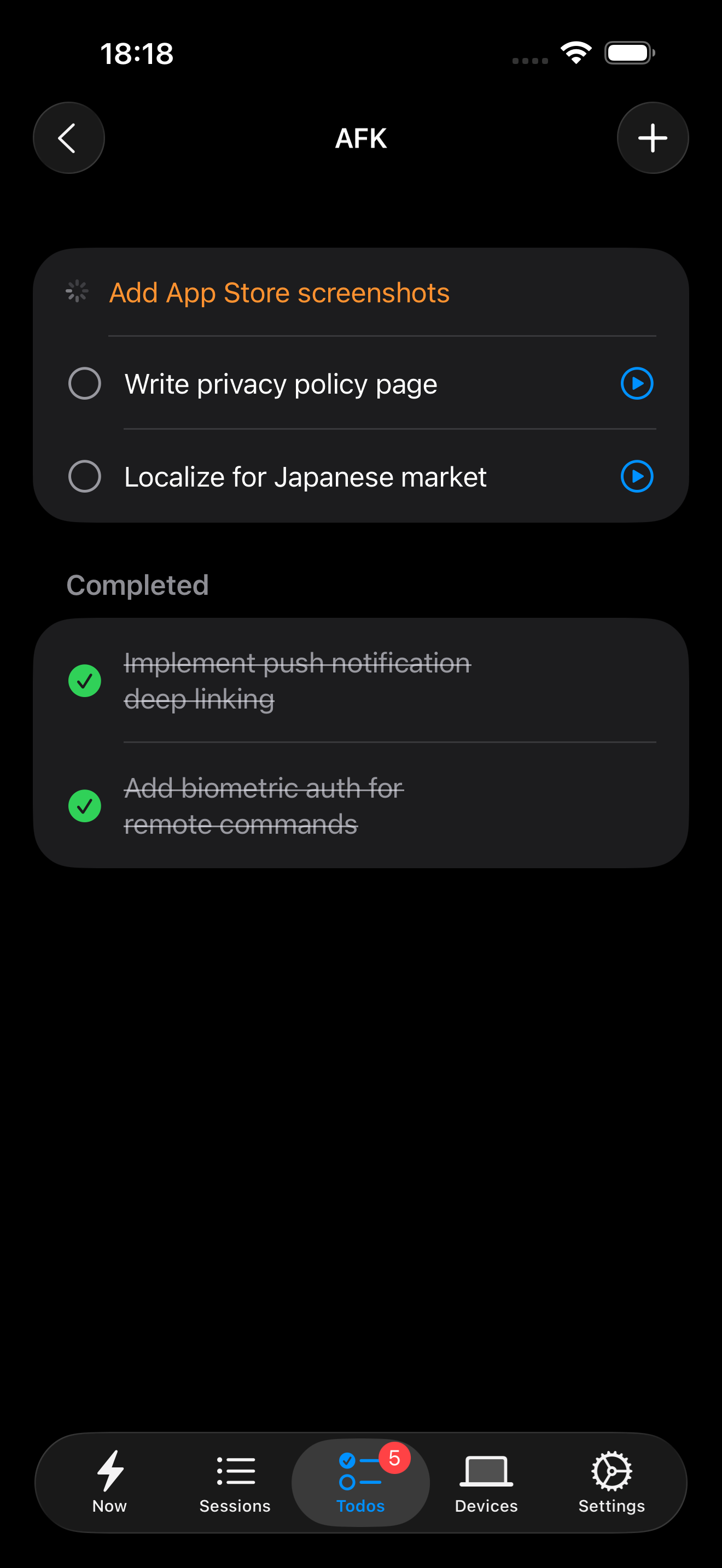
Monitor sessions, approve permissions, and send prompts from your pocket.